Data Ownership vs. Data Portability: What 'You Own Your Data' Actually Means
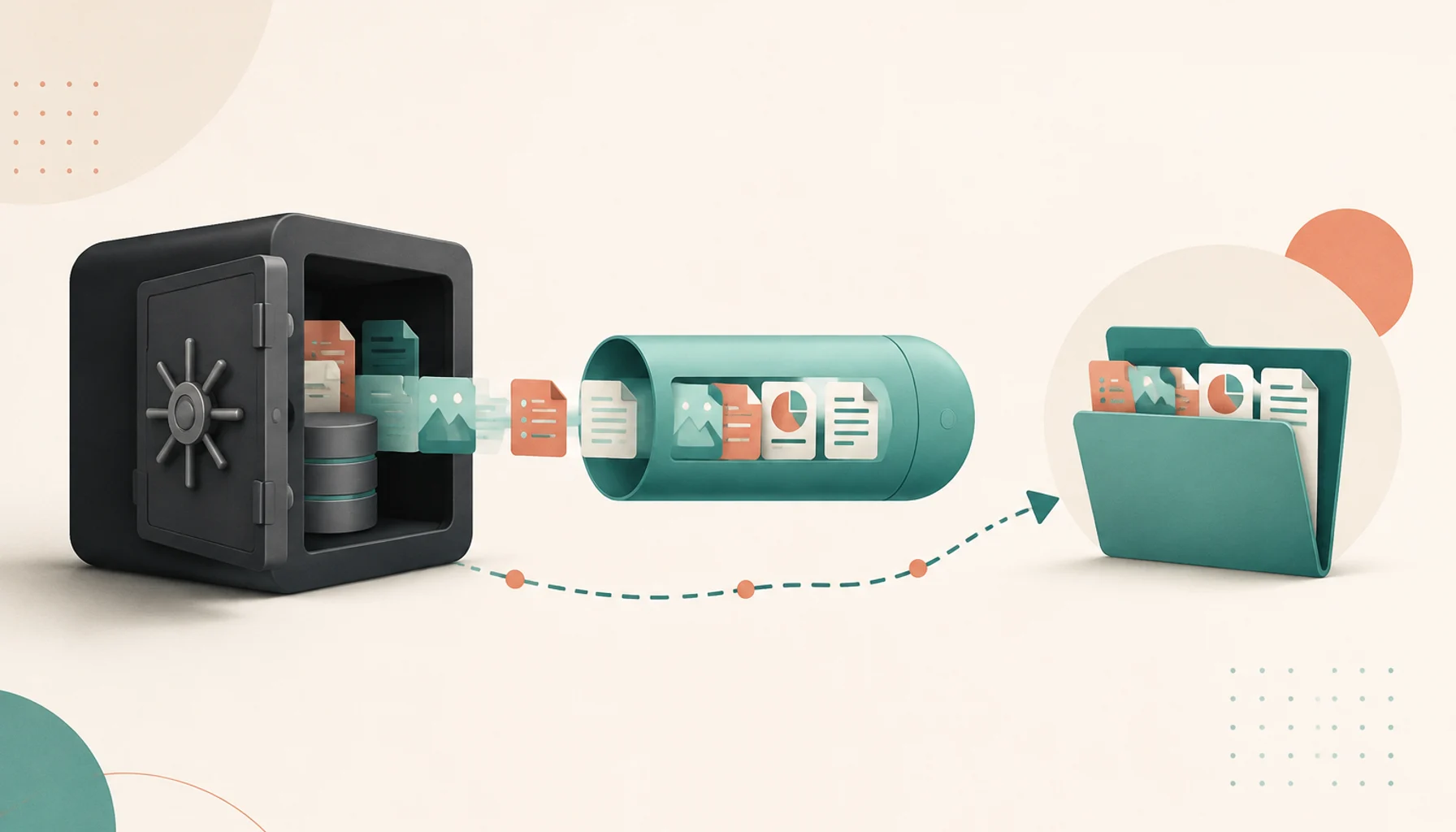
"You own your data" is on the landing page of almost every SaaS and self-hosted tool. It is one of those phrases that sounds absolute but hides a spectrum. Owning a copy of something you cannot read or move is not the same as being in control of it.
It helps to split the idea into four levels.
The four levels of "owning your data"
1. Possession — you can get a copy out. A download button, an export job, an API. Almost everything clears this bar now, partly because regulations require it.
2. Portability — the copy is in a format you can actually use somewhere else. This is where tools diverge sharply.
3. Control — you decide who can access it, and you can truly delete it. In a SaaS this depends on the vendor honouring your request. Self-hosting it puts you directly in charge.
4. Independence — the data is useful without the original tool running at all. Plain files on disk have this. A database dump that only one application can interpret does not.
Marketing "data ownership" usually means level 1. What you want for anything important is level 3 or 4.
A concrete comparison: two note-taking apps
Say you are choosing where to keep years of personal notes.
App A stores each note as a Markdown file in a folder on your disk. Attachments sit next to them. Sync is just file sync.
- Export is a no-op; the files are already yours.
- If App A shuts down tomorrow, your notes open in any text editor, any other Markdown app,
grep, a static site generator. Level 4.
App B keeps everything in a proprietary local database and syncs through the vendor's servers in a custom format. It has an "Export to Markdown" button.
- The export works, but it flattens nested pages, drops backlinks, mangles embedded databases, and renames every attachment.
- You possess a copy (level 1), it is even somewhat portable (level 2), but the structure that made it useful did not come with it.
Both apps say "your data is yours." Only one of them is telling you the whole truth.
The test to run before you commit
Do this on day one, while you have only a little data in the tool and switching is cheap:
- Put in a realistic sample. Not one item — a folder structure, some links between records, an attachment, a formatted table.
- Run the export.
- Open the export somewhere else. A different app, a script, a spreadsheet. Actually try to work with it.
- Note what was lost. Relationships between records, history, formatting, metadata, folder structure, comments.
Whatever survives that round trip is what you truly own. Whatever does not is lock-in, however open the tool claims to be.
Standard formats are the shortcut
The reliable signal is whether a tool reads and writes formats that predate it and will outlive it:
| Data | Portable format | Lock-in smell |
|---|---|---|
| Notes / docs | Markdown, HTML, plain text | Proprietary binary or JSON blob |
| Calendar | iCalendar (.ics) | Export only through the vendor API |
| Contacts | vCard (.vcf) | CSV with vendor-specific columns |
| Maildir, mbox, IMAP | A web-only archive viewer | |
| Tabular data | CSV, SQLite, Parquet | Screenshot-friendly HTML tables |
| Structured records | Documented JSON schema, SQLite | Undocumented dump, "contact support to export" |
A tool that stores your data in these formats natively — not just as an export afterthought — has already given you level 4. You do not need its permission or its uptime to use your own information.
Where self-hosting fits
Self-hosting mostly buys you level 3. When the database is on your server, deletion means running a DELETE and it
is actually gone; access control is yours to configure; nobody can lock you out during a billing dispute.
It does not automatically buy you level 4. A self-hosted app with an opaque schema and no meaningful export is still a cage — just one you are running yourself. Check the export story even for open-source tools.
The short version
Before adopting anything that will hold data you care about, ask:
- Can I export it? (Almost always yes.)
- Is the export in a format something else can read without loss?
- If this project disappeared, could I still use my data next year?
If the answers are yes, yes, and yes, "you own your data" is true. If the last two are shaky, treat the tool as a rental no matter what the homepage says.
Related posts
More on Open Source, Data.

Open-Source Licenses Explained for Founders: MIT, Apache, GPL, AGPL, SSPL
A plain-English guide to the licenses you will actually run into when picking open-source software for your startup, and what each one lets you do commercially.

How to Tell if an Open-Source Project Is Safe to Depend On
A practical checklist for judging the health of an open-source project before you build on it, so you can spot the abandoned ones and the one-maintainer risks early.