
Moving From Zapier to n8n: A Practical Walkthrough
How to move your automations from Zapier to self-hosted n8n one workflow at a time, what maps cleanly, what does not, and how to keep the lights on during the switch.
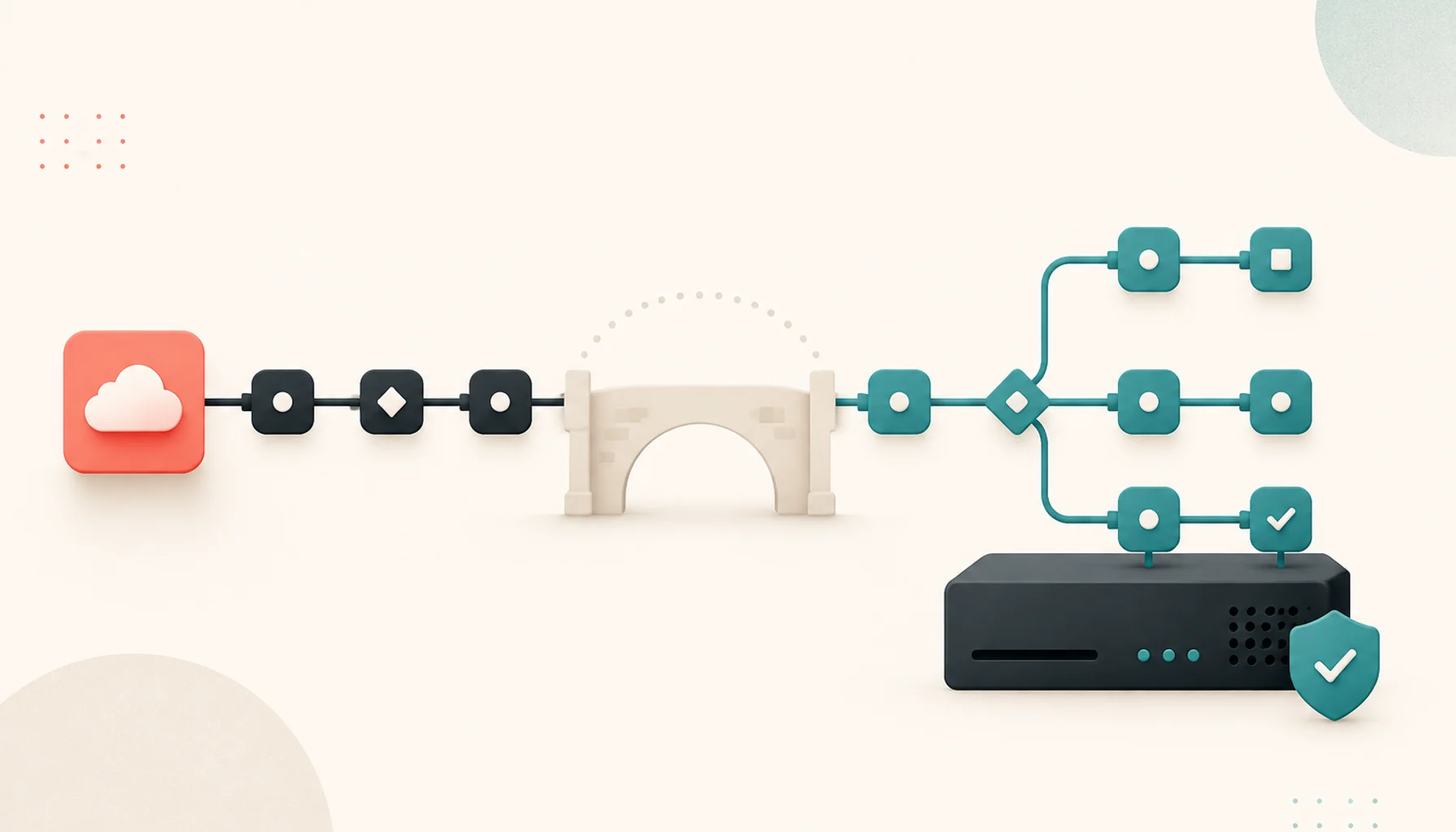
Zapier is excellent until the bill arrives. Task-based pricing means a few busy workflows can push you into a plan that costs more per month than a small server. n8n is the usual open-source destination: you self-host it, you pay for the server instead of per task, and you get more control over logic.
This walkthrough assumes you already know Zapier well and want to know what the move actually involves.
The mental model shift
In Zapier you build a Zap: one trigger, then a linear list of steps. n8n gives you a workflow: a canvas of nodes connected by wires. It can branch, merge, loop, and run several paths at once.
Practically, this means:
- A simple two-step Zap becomes a two-node workflow. Nearly identical.
- A Zap with Paths and Filters becomes a workflow with IF and Switch nodes and multiple branches. Cleaner, once you get used to it.
- Data does not just flow downward. Each node outputs items, and you reference earlier nodes explicitly with expressions
like
{{ $json.email }}or{{ $('Trigger').item.json.id }}.
The learning curve is real but short. Give yourself an afternoon of rebuilding one familiar Zap before you judge it.
Step 1: Inventory your Zaps
Export or list every active Zap and record, for each one:
- Trigger app and event
- Every action app used
- Whether it uses Paths, Filters, Formatter, or Code steps
- How often it runs (this tells you what you are actually paying for)
- How bad it is if it breaks for an hour
Sort by task volume. The heavy Zaps are where the savings are, so they migrate first. The Zap that runs twice a month can stay on a free Zapier plan forever if you like.
Step 2: Stand up n8n
Run it with Docker. The important parts of a real setup:
- Persistent database. Use PostgreSQL, not the default SQLite file, if this is going to be more than a toy.
- Backups. The database holds your workflows and credentials. Back it up like it matters, because it does.
- HTTPS and a real domain. Webhook triggers need a public URL, and OAuth connections need a stable callback address.
- Set the encryption key explicitly and store it safely. Lose it and every saved credential becomes unreadable.
Do not skip the domain and HTTPS part. Half of all integrations depend on it.
Step 3: Reconnect your accounts
Each service you automate needs its credentials added to n8n. This is manual and takes a while. Two notes:
- For OAuth apps (Google, Slack, and so on) you may need to register your own OAuth application, because you are no longer borrowing Zapier's. The n8n docs cover this per service.
- For anything with an API key, this is quick: paste the key into a new credential.
Do this as you migrate each workflow, not all at once up front. You will only need a subset.
Step 4: Rebuild one workflow at a time
For each Zap, working from the highest-volume down:
- Build the equivalent workflow in n8n next to the running Zap. Do not turn the Zap off yet.
Map the steps:
Zapier n8n Trigger Trigger node (app-specific, or Webhook) Filter IF node, stop the branch if false Paths IF or Switch node with multiple outputs Formatter Set, Edit Fields, or an expression Code by Zapier Code node (JavaScript or Python) Action The app's node, or an HTTP Request node - Run it manually with real data using n8n's execute-and-inspect feature. Check every node's output.
- Let both run in parallel for a few days. Compare results. Send new records through and confirm n8n handled them the same way.
- Turn off the Zap once you trust the workflow. Keep it (paused) for a month in case you need to look at how it worked.
What maps cleanly
- Scheduled workflows. n8n's Schedule Trigger is straightforward.
- Webhook-triggered automations. Often better in n8n because you see the raw payload.
- REST API calls. The HTTP Request node is more flexible than Zapier's.
- Branching logic. Genuinely nicer on a canvas.
- Anything with a Code step. You get a fuller runtime, not a sandboxed snippet.
What needs more work
- Apps with a Zapier integration but no n8n node. You fall back to the HTTP Request node and the service's API docs. Usually fine, sometimes fiddly for OAuth-only APIs.
- Zapier's built-in helpers like Storage, Digest, or Delay. n8n has equivalents (the Wait node, static data, the
$getWorkflowStaticDatahelper) but they work differently and need rebuilding rather than translating. - Error handling. Zapier emails you when a Zap fails. In n8n you set up an Error Trigger workflow once, and route all failures to it. Do this early or you will miss silent breakages.
- Polling triggers. Some Zapier triggers poll invisibly. In n8n you may need a Schedule Trigger plus a "get records since last run" pattern, tracking the last-seen timestamp in workflow static data.
The cost check
Add up: server (often $10 to $40 per month), your setup time, and roughly an hour a month of maintenance. Compare that to your current Zapier plan. If you are on a paid Zapier tier because of task volume, n8n usually wins clearly. If you are on the free plan or a cheap tier, the math is closer and the main reason to switch is control, not cost.
Migrate the workflows that justify it, leave the rest, and keep the parallel-run discipline. Nothing needs to break.
Related posts
More on Automation, Migration.

How to Leave a SaaS Before You're Locked In: An Exit-Readiness Checklist
Vendor lock-in is not one problem but four. A framework for staying able to leave any SaaS tool, plus a quarterly fire drill that keeps your options open.

How to Migrate Off Google Workspace Without Breaking Your Week
A calm, step-by-step approach to moving email, docs, calendar, and files away from Google Workspace to open-source and self-hosted tools, without a risky big-bang cutover.