
Single Sign-On for Small Teams: A Plain Guide to OIDC, SAML, and Self-Hosted Identity
SSO is not just an enterprise checkbox. What it actually is, the difference between OIDC and SAML in plain terms, and how to wire up your first app, with the offboarding payoff explained.
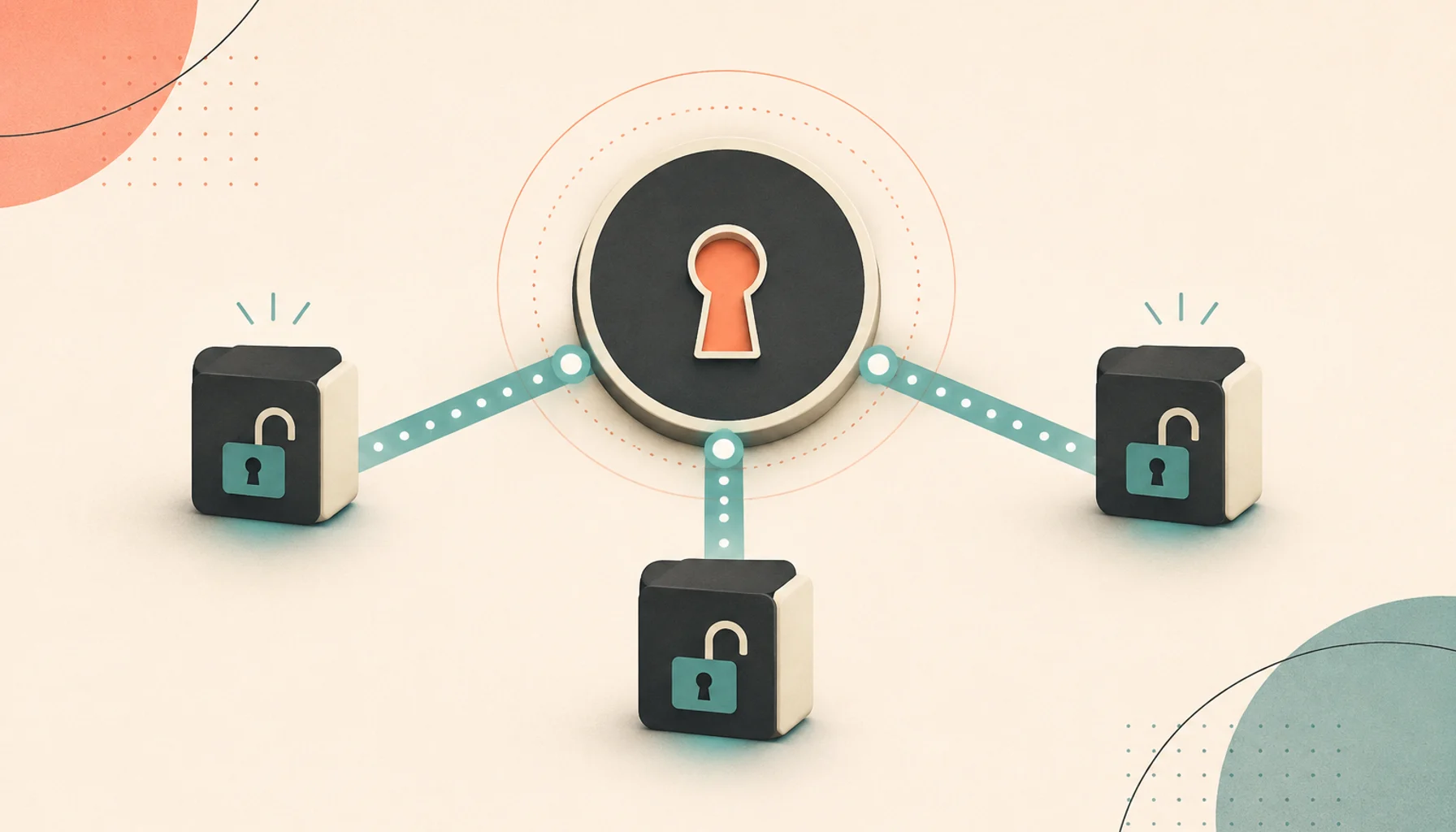
Single sign-on has a reputation as an enterprise-only concern, something you deal with when a Fortune 500 customer demands it. But the core benefit — one place to manage who can log in to everything — is exactly as useful for a team of eight as for a team of eight thousand.
Here is what it is and how to start.
What SSO actually is
Instead of each app having its own username and password, your apps trust one central system to vouch for who you are. That central system is the Identity Provider (IdP). Each app that trusts it is a Service Provider (SP) or " relying party."
The flow, in plain terms:
- You open the wiki. It does not know who you are.
- It redirects you to the IdP.
- The IdP checks — are you logged in? If not, it asks for your password (and maybe a second factor).
- The IdP redirects you back to the wiki with a signed token that says "this is Sara, here is her email, she is in the 'staff' group."
- The wiki trusts that token because it trusts the IdP, and logs you in.
You entered a password once. Every other app that trusts the same IdP now logs you in without asking again.
The offboarding payoff
This is the reason to do it. Someone leaves the team. Without SSO, you are hunting through a dozen tools disabling accounts, and you will miss one. With SSO, you disable their account in the IdP once, and every connected app rejects them on their next request.
The same applies to onboarding (add them to a group, they get access to the right tools) and to enforcing a security policy (require a second factor at the IdP and every app inherits it).
OIDC vs. SAML
There are two protocols you will meet. You want OIDC where you can get it.
OIDC (OpenID Connect) is the modern one. It is built on OAuth 2.0, passes small JSON tokens (JWTs), and is straightforward to configure: a client ID, a client secret, a redirect URL, and a list of scopes. Most software written in the last several years supports it, and most self-hosted tools prefer it.
SAML 2.0 is older, uses XML, and configuration means exchanging "metadata" documents and fiddling with certificates. It is clunkier, but a lot of established business software still speaks only SAML, so you cannot always avoid it.
| OIDC | SAML | |
|---|---|---|
| Age / style | Modern, JSON, OAuth2-based | 2005-era, XML |
| Setup | Client ID + secret + redirect URI | Exchange XML metadata + certs |
| Token | Compact JWT | Signed XML assertion |
| Support | Newer apps, most self-hosted tools | Established enterprise apps |
| Use it when | You have the choice | The app offers nothing else |
Practical advice: use OIDC as your default and treat SAML as the fallback for specific apps that require it. A good IdP speaks both.
You can self-host the IdP
You do not have to hand identity to a third party. There are solid open-source identity providers — Keycloak, Authentik, and Zitadel are the common ones — that run as a container, speak both OIDC and SAML, support multi-factor authentication, and let you define users and groups. You run one service, and it becomes the login for everything else you host.
Connecting your first app with OIDC
The steps are the same almost everywhere:
- In the IdP, register the app as a new client. You get a client ID and client secret.
- Set the redirect URI — the app's callback URL, e.g.
https://wiki.example.com/oidc/callback. This must match exactly. - Choose scopes.
openidis required;profileandemailget you the user's name and address; agroupsscope (if your IdP offers it) lets the app map IdP groups to its own roles. - In the app, fill in the OIDC settings: the IdP's discovery URL (usually
https://idp.example.com/.well-known/openid-configuration), the client ID, and the client secret. - Test with a real account, then map an IdP group to an admin role so the right people get the right permissions automatically.
Once one app is done, the rest follow the same pattern in a few minutes each.
Gotchas to plan for
- The IdP is now a single point of failure. If it is down, nobody logs in to anything. Keep a break-glass local admin account on your most critical apps, with the password sealed in your password manager, so you can get in when the IdP is unavailable.
- Not every app supports OIDC. Some only do SAML; a few do neither and you will keep local accounts for those. That is fine — SSO for most of your tools still delivers most of the benefit.
- SAML metadata drifts. Signing certificates expire. Note the expiry dates and renew before they lapse, or logins break with an unhelpful XML error.
- Group-to-role mapping needs a decision. Decide early how IdP groups translate to permissions in each app, and write it in your runbook.
- Redirect URIs are exact. A trailing slash or
httpvshttpsmismatch is the most common "it just won't work" cause.
For a small team, standing up one self-hosted identity provider and moving your main tools onto it is a weekend project that pays off every time someone joins or leaves.
Related posts
More on Identity, Self-Hosting.

GDPR and Self-Hosting: Does Running Your Own Server Actually Help?
Self-hosting is often sold as a shortcut to GDPR compliance. It helps with some things, does nothing for others, and adds new responsibilities. A practical breakdown.
How to Run Open-Source Software in Production Without a DevOps Team
You do not need Kubernetes or an on-call rotation to run open-source tools reliably. Here is the minimum viable operations setup, what to buy instead of build, and a monthly routine.

Coolify vs Dokploy vs Arcane vs Openship: The Self-Hosted PaaS Comparison
Real dashboard screenshots, honest pros and cons, and the exact licensing fine print for Coolify, Dokploy, Arcane, Dokku, and Openship — the open-source platforms that replace Heroku, Vercel, and Netlify on your own server.